
CRM
- What is GoodBooks CRM?
- Features
- Benefits
- Challenges
- FAQ
Forge stronger relationships, fuel business growth with GoodBooks CRM
What is GoodBooks CRM software?
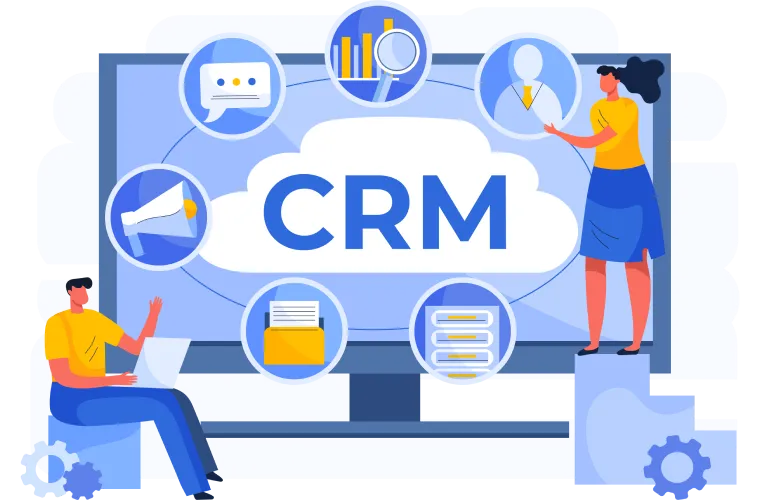
GoodBooks CRM is a comprehensive customer relationship management solution integrated seamlessly within our ERP system. It unifies sales, service, and marketing functions to provide a 360-degree view of your customers. Enhance customer interactions, streamline processes, and drive growth with our powerful, user-friendly CRM tools.

Mobile CRM App
Offer a mobile application for on-the-go access to CRM data, allowing sales and service teams to update information and access customer details from anywhere.
CPQ (Configure, Price, Quote) Functionality
Include tools for generating complex quotes and proposals directly within the CRM, factoring in product configurations and pricing rules.
Features of GoodBooks CRM
Customer View
Sales
Customer Service
Automation
Reports
Customer View
Unified Customer View
Centralize all customer data, interactions, and history in one place for a complete understanding of each customer relationship.
Benefits of GoodBooks CRM
Improved Customer Experience
Deliver personalized interactions and consistent service across all touchpoints, enhancing customer satisfaction and loyalty
Increased Efficiency Automate routine tasks, streamline workflows, and eliminate data silos to boost productivity across sales, service, and marketing teams.
Enhanced Collaboration Foster better communication and coordination between departments with a shared platform for customer information and interactions.

Data-Driven Insights
Leverage comprehensive analytics to understand customer behavior, identify trends, and make informed business decisions.
Scalable Growth Adapt to changing business needs with a flexible, scalable CRM solution that grows with your organization.

 |
| Challenges GoodBooks CRM module can solve |
| Fragmented Customer Data |
| Consolidate customer information from various sources into a single, accessible platform, eliminating inconsistencies and information gaps. |
| Inefficient Processes |
| Replace manual, time-consuming tasks with automated workflows and intelligent features to optimize sales, service, and marketing operations. |
| Poor Customer Visibility |
| Gain a holistic view of customer interactions across all departments, enabling more informed and strategic customer management. |
| Frequently Asked Questions |
| Can I track customer interactions in GoodBooks CRM? |
| Absolutely. You can log calls, emails, meetings, and other interactions with customers, providing a comprehensive view of your customer relationships. |
| Does GoodBooks CRM offer reporting and analytics? |
| Yes, GoodBooks CRM provides customizable reports and dashboards to help you analyze sales performance, customer trends, and other key metrics. |
| Can I automate marketing tasks with GoodBooks CRM? |
| GoodBooks CRM includes basic marketing automation features such as email campaigns and lead scoring. |
| Can I import my existing customer data into GoodBooks CRM? |
| Absolutely. GoodBooks CRM supports data import from various formats, including CSV files and other popular CRM systems. |
| How does GoodBooks CRM help with customer service? |
| The CRM module allows you to track customer issues, manage support tickets, and maintain a knowledge base for quick problem resolution. |
| Is it possible to customize fields in the CRM? |
| Yes, you can add custom fields to contacts, leads, and other CRM entities to capture information specific to your business needs. |